Switching to Astro with AI Help
Building a new website theme with Astro and AI tools. Turns out modern web development isn't as scary as I thought.
If you’re reading this, you might notice the site looks different. Again, I know that I literally wrote about switching from WordPress to Jekyll three years ago, and here I am doing it all over again. But this time it’s different. (That’s what they all say, right?)
Why Astro?
I’ve been intimidated by modern JavaScript frameworks for a while. React, Vue, all of it felt like a barrier between me and just writing content. But with AI coding tools getting better, I figured I’d give Astro a shot. Having GitHub Copilot as a pair programmer makes the whole thing way less painful, and I can use it to do a lot of the boilerplate work for me.
Astro’s also just genuinely good for what I need with and build times that don’t make me want to throw my laptop out the window. Currently, I am getting 71 pages in little over a second.
Terminal Aesthetics (But Make It Academic)
The full theme I built leans heavily into terminal aesthetics. Monospace fonts everywhere, command-style headers with colored dots (red, yellow, green like macOS windows), and 14 different color palettes. Terminal prompts like $, >, and ~ appear throughout.
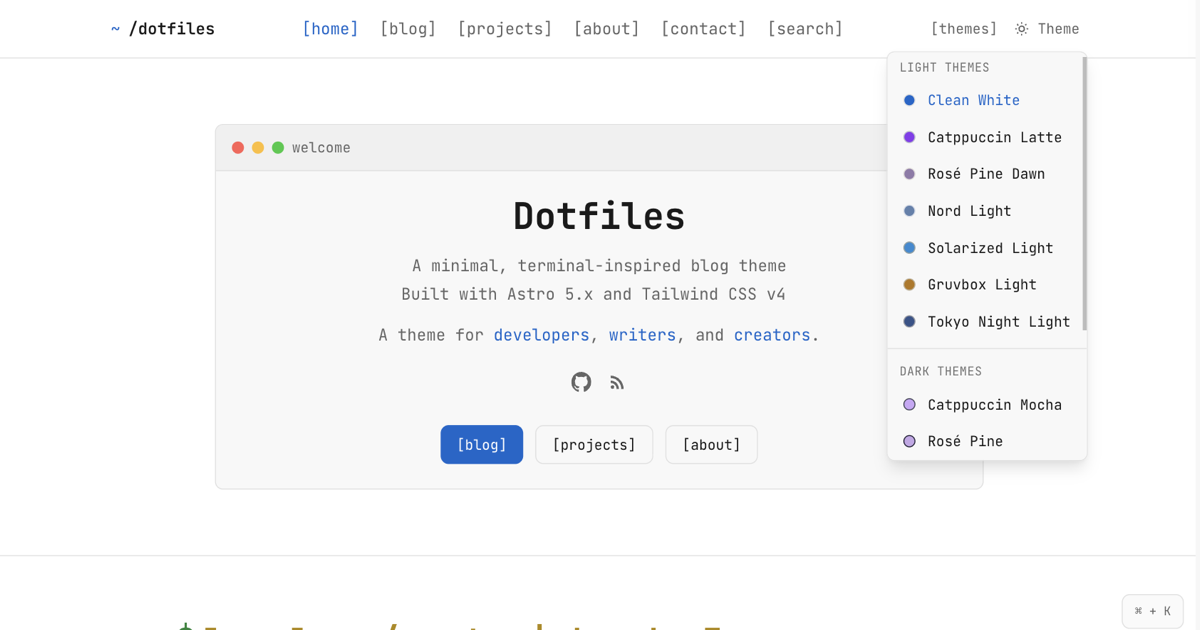 The full theme with color palette selector and terminal-style navigation
Great for developer portfolios. Less great for academic contexts outside of CS or DH departments. Command-line aesthetics can signal “this is for programmers only” to historians, sociologists, or literature scholars. Not the message you want when sharing research. For this site, I kept the underlying structure but stripped out most flourishes.
If you work in computational social science, digital humanities, or any field mixing research with data visualizations though, you can probably use the theme as is. It’s on GitHuband handles blog posts, project pages, citations, and SEO without needing deep technical knowledge.
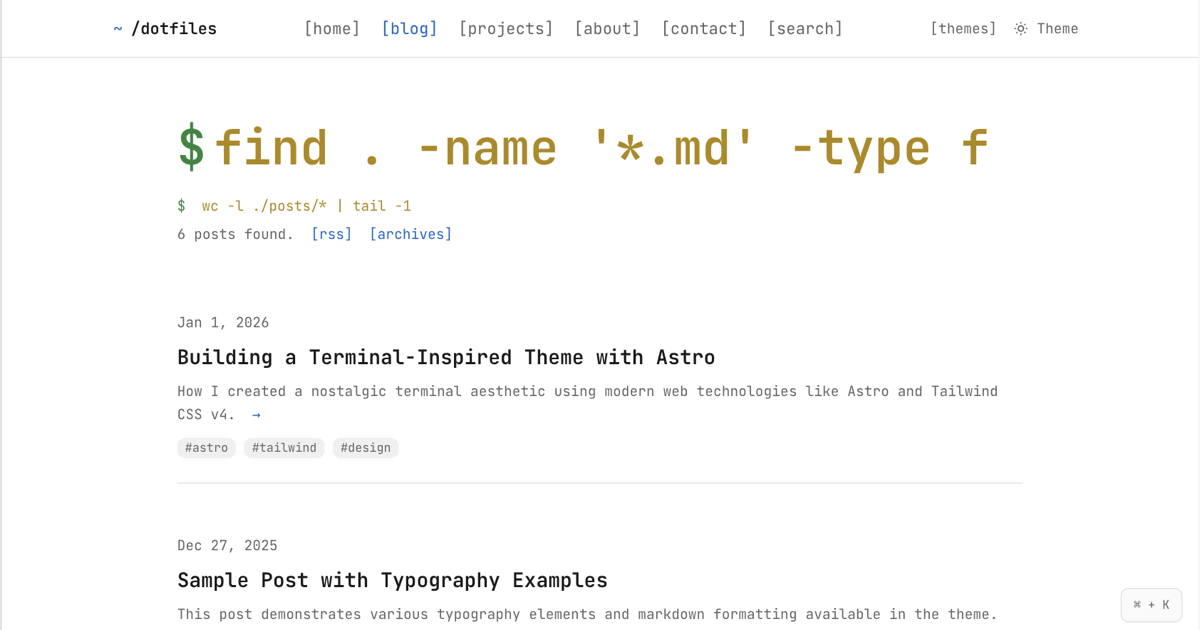 Blog archive with terminal window chrome and color-coded tags
Traditional departments might prefer something more subdued. But if you need code snippets, data tables, and interactive visualizations on a fast, maintainable platform then, I think, Astro beats WordPress or Jekyll’s Ruby headaches.
What’s Next
Hopefully, I can stop tinkering with the website infrastructure and actually focus on writing more. That’s the whole point of these tools, right? To make the writing easier, not to become the writing itself? But, we’ll see how long that actually lasts.